HMI – HART to MODBUS Interface (HART Indicator)
Short description: A rugged microcontroller-based HART to MODBUS interface that accepts up to 15 HART slave inputs and converts their process variables into fixed MODBUS registers for easy integration with SCADA/DCS systems.
No serial information available.
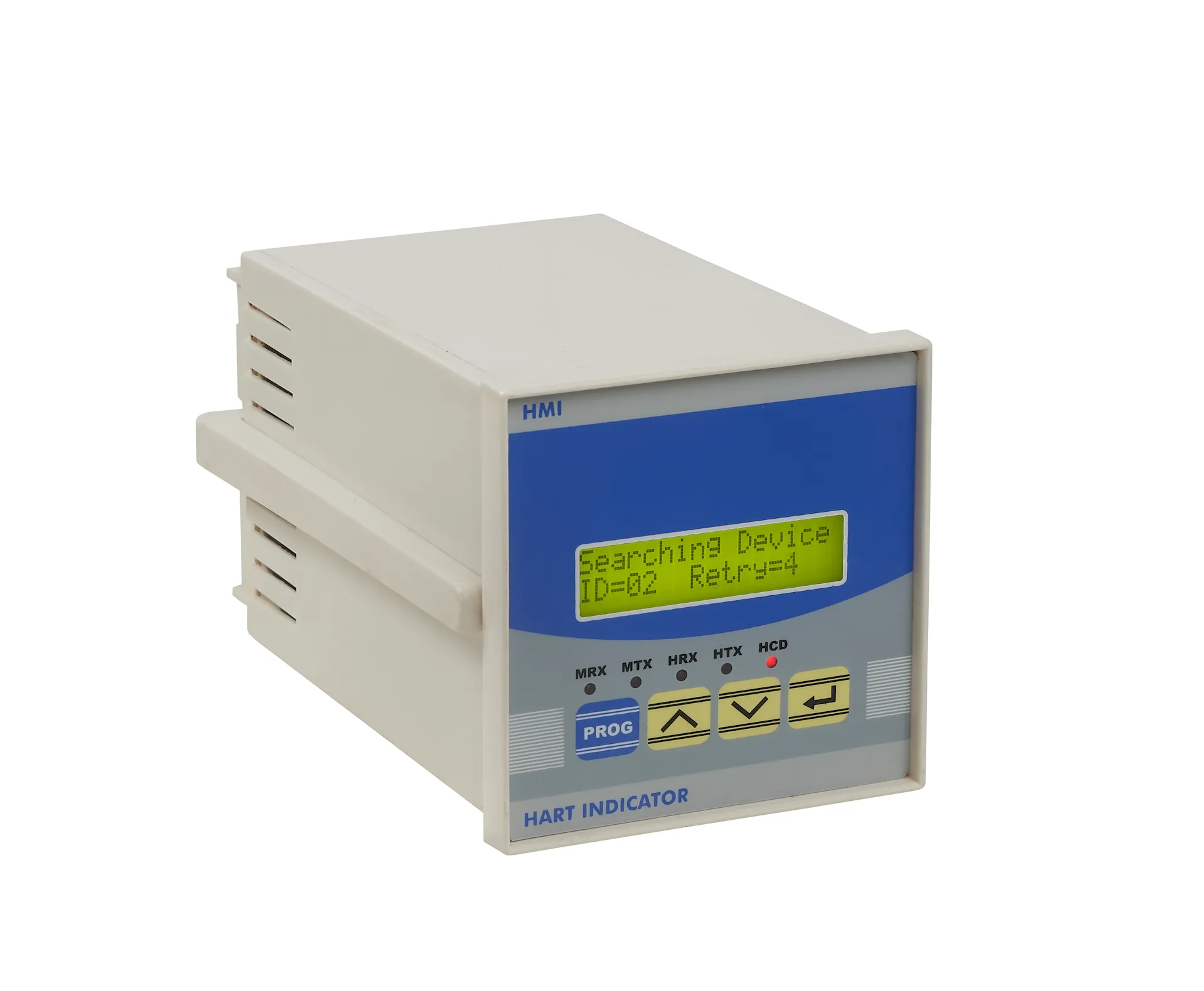
Key Features
- Rugged, state-of-the-art microcontroller-based system.
- Accepts HART inputs from up to 15 slave instruments in multidrop mode.
- Converts HART variables into fixed MODBUS address registers (no configuration required).
- Direct digital acquisition of Flow, Pressure, Temperature, and other HART process values.
- User-friendly LCD messages showing HART slave values and status.
- Engineering units automatically acquired from HART slaves, reducing setup effort.
- User-selectable baud rate for MODBUS master via DIP switch.
- Isolated RS485 port (MODBUS master side) and isolated HART port (slave side).
- LED indications for MODBUS Tx/Rx and HART Tx/Rx/CD for easy diagnostics.
- Device information such as ID, manufacturer code, hardware/software version accessible via MODBUS.
Technical Specifications
- Inputs: HART signals from up to 15 slave devices
- Outputs: MODBUS RTU (floating point values of up to 4 variables per HART slave)
- Display: 16×2 character LCD showing variables, station ID, engineering units, and status
- Keyboard: 4-key tactile keypad for navigation and programming
- LED Indications: Tx/Rx for MODBUS master; Tx/Rx/CD for HART slaves
- Communication: MODBUS RTU over isolated RS485 (300–57600 baud)
- Isolation: Galvanic isolation between HART and RS485 ports
- Power Supply: 230 VAC / 110 VAC ±10%, 50 Hz, 1-phase
- Mounting: Panel mount, ABS molded white box
- Dimensions: Bezel: 96 × 96 mm (H × W); Depth: 150 mm; Cut-out: 92 × 92 mm
- Connections: Screw-type terminals for supply, RS485, and HART inputs
Support Videos
Installation Guide
Troubleshooting
Downloads
Need More Help?
Call us at +91-20-24479210 or email scan@vsnl.com